RCWeb Controls App
The RCWeb Controls App (app/c) is the remote control interface within the RCWeb ecosystem. It demonstrates the Asymmetric Pattern, allowing a user on a mobile device or another browser to send JavaScript commands to a target viewer application operating in the same virtual room.
Icon

Screenshot
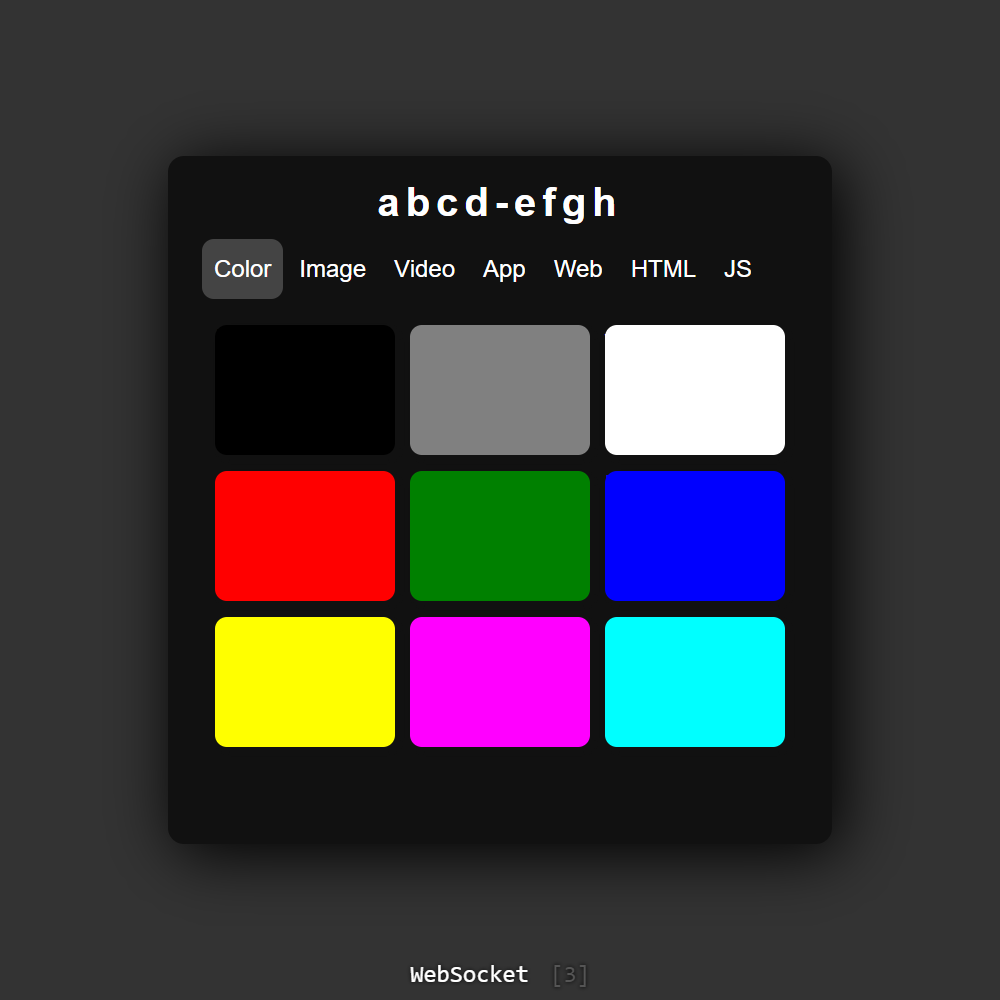
What it does
- Remote Control Interface: Provides a user-friendly UI with different tabs to quickly push custom Colors, Images, Videos, HTML, and raw JavaScript straight to the viewer screen.
- Send Execution Payloads: Under the hood, the app dynamically constructs JavaScript blocks and uses WebSockets to seamlessly transport these execution payloads to the web browsers running the viewer app.
- File Upload & Streaming: Users can easily select local images or videos to display remotely. To save memory and bypass WebSocket payload limits, larger files (1MB or greater) are intelligently chunked and streamed peer-to-peer using proxy requests, while smaller ones are swiftly embedded as Base64 data URLs.
- Room Management: Gives the controller the power to instantly redirect all connected viewer displays to different mini-apps (like Spacewar or Chat) within the RCWeb environment or reset them back to the default viewer waiting screen.
How it works
The core logic is orchestrated within script.js which relies entirely on the robust peer-to-peer foundation provided by the comms.js library.
- Initialization: Upon loading,
loadControls()initializes default input values (like sample image/video URLs) and connects the controller interface to the server viarc.connect(). - Command Construction: When a user clicks an action button—such as
showColor(),showImage(), orshowHtml()—the app generates the precise DOM manipulation code required. This generated string is then dispatched to the room viarc.send(js, "v")orsendJavaScript(). - Dynamic File Processing: The
createDynamicFileUrl()function coordinates file sharing. For large files, it generates a proxy URL (/x-file/...) and relies onsendFileChunk()andsendChunk()to slice the file and upload bytes incrementally via HTTP PUT requests as the viewer requests them. The controller must keep the tab open for the stream to stay alive (promptExit()). - Callbacks & Feedback: The script actively listens for
rc.onViewUpdateSuccessandrc.onViewUpdateErrorbroadcasts from the viewer app. This surfaces real-time execution feedback (success or error notices) back to the user within the control interface UI. - PWA Experience: The script checks if it's currently running as an installed Progressive Web App (
insideInstalledApp()). If true, it automatically restricts the desktop window to resemble a mobile view size by applyingwindow.resizeTo(430, 500).